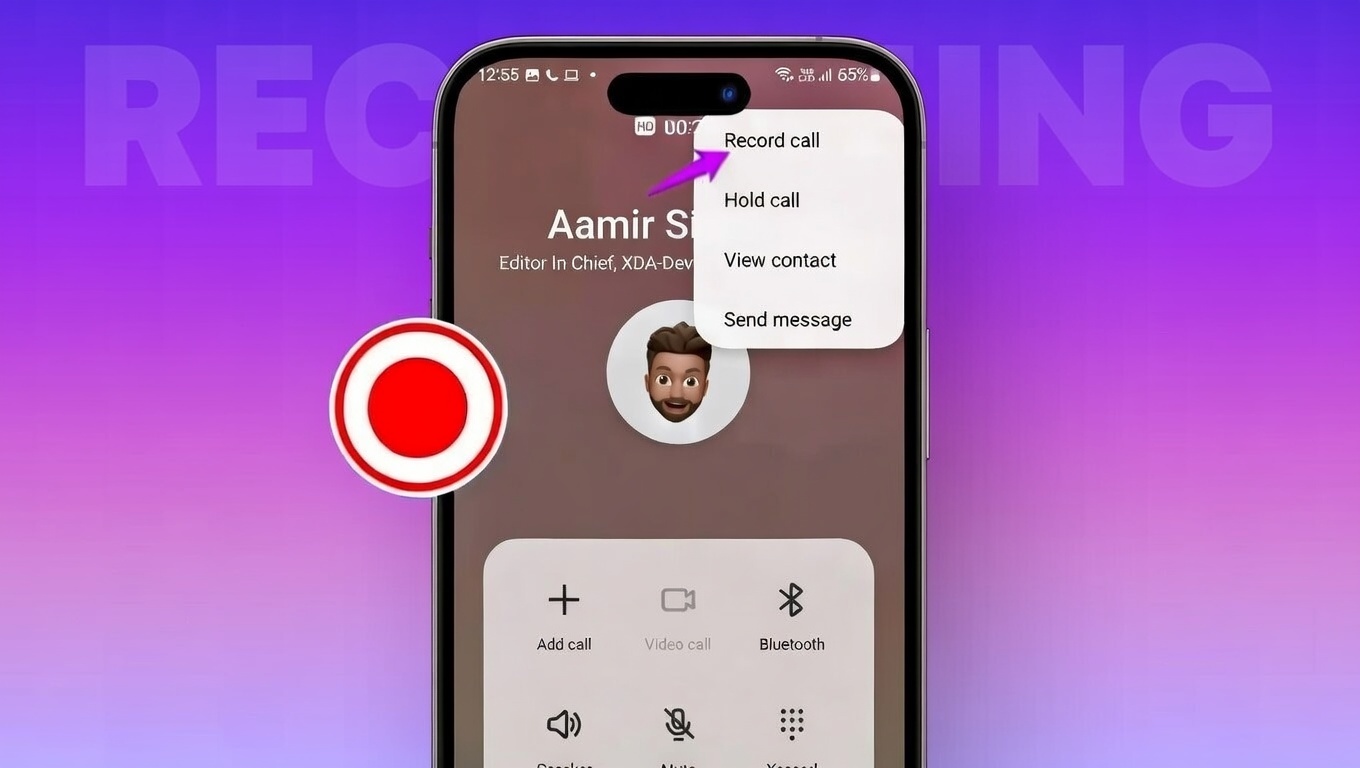
Recording phone calls has become useful for many people today. Some want to save important work discussions. Others record calls to remember details, keep proof of agreements, or review conversations later. Both Android and iPhone users now look for easy and legal ways to do this.
Before you start, it is important to understand how call recording works, what tools are available, and what the law allows. This guide explains everything in clear and simple language so beginners can follow it without confusion.
📞 Get Call Details
Disclaimer: This tool is for educational/demo purposes only. It does not fetch real call records.
Also read: How to Turn On End-to-End Encrypted WhatsApp Backups (Android & iPhone)
Why People Record Phone Calls
People record calls for many everyday reasons. Important points shared during a call are easy to forget. A recording lets you listen again whenever needed.
Professionals often record client calls, interviews, or meetings to avoid mistakes. Students sometimes save online lectures or guidance calls for revision. Families may want to preserve meaningful conversations with loved ones.
Call recordings also save time. Instead of writing notes while talking, users can focus on the discussion and review it later. This helps avoid misunderstandings and keeps information accurate.
Call Recording Laws in India (Important to Know)
In India, call recording follows consent-based rules. This means the other person should be informed before recording the conversation. Recording calls secretly can lead to legal trouble, especially in professional or business situations.
Mobile companies and app developers also follow strict privacy policies. Because of this, many phones block silent call recording by default. Some features may be disabled depending on your location and phone model.
Laws differ from country to country, which is why call recording features are not the same everywhere. To stay safe, always tell the other person that the call is being recorded. Consent is the safest and most responsible approach.
How to Record Calls on Android Phones
Call recording on Android depends on your phone brand, Android version, and region.
Built-in Call Recording
Some Android phones come with a built-in recording option.
- Open the Phone app
- Go to Settings
- Look for “Call Recording”
- Enable it if available
- Tap the Record button during a call
Some devices can record calls automatically. However, this feature may be missing or disabled due to privacy rules in certain regions.
Using Third-Party Apps
If your phone does not support built-in recording, third-party apps can help.
- Download a trusted call recording app from the Play Store
- Allow microphone and storage permissions
- Enable recording for selected contacts or all calls
Newer Android versions may ask for extra permissions. Some apps work well, while others may record only one side of the call or stop during long conversations. Always test the app before relying on it.
Call Recording on iPhone: What Are the Options?
Apple has always been strict about call recording for privacy reasons.
Built-in Recording (Newer iOS Versions)
Recent iOS updates now offer a call recording option on supported devices.
- Tap “Record” during a call
- A voice announcement alerts everyone on the call
- The recording is saved automatically
This method is legal and transparent but not available in all countries.
Other Methods and Limitations
Some users try speakerphone with a voice recorder, but sound quality is usually poor. Online calling services may allow recording in limited regions, but they do not support regular mobile calls easily.
Because of these limits, iPhone users often struggle to find a smooth software-based solution.
Why Call Recording Apps Often Stop Working
Many call recording apps face problems due to new security rules.
- Apps may crash during long calls
- Audio quality can be unclear
- Some features are locked behind paid plans
- System updates may block recording access
Both Android and iOS now restrict background audio access to protect user privacy. This makes many apps unreliable over time.
Hardware Call Recording: A More Reliable Option
Hardware-based call recorders offer a stable alternative. These devices record audio directly instead of relying on phone software.
They work with regular calls as well as internet calls and are not affected by app restrictions or system updates. Sound quality is usually clearer, and recordings are more consistent.
Many hardware recorders also offer long battery life, large storage, and optional transcription features, making them useful for professionals who record calls frequently.
Final Thoughts
Recording calls can be helpful, but it must be done legally and responsibly. Android phones offer more flexibility, while iPhone options are still limited but improving. Third-party apps may work, but they are not always reliable.
For consistent results, many users now prefer hardware solutions. No matter which method you choose, always inform the other person before recording. Following the rules protects your privacy and keeps you on the right side of the law.
Use call recording wisely, and only when it truly adds value.